
Guide · Updated 19 November 2026
How to create a landing page
Creating a landing page takes 7 steps: one goal, a defined ICP, sharp positioning, conversion copy, design, build, and testing. AI drafts fail at almost every step, especially positioning, copy, and design.
1. Set one goal
Pick the one action the page exists for: a signup, a demo booking, a purchase, or a waitlist. Every section either moves the visitor toward that CTA or comes out. Raycast's whole hero leads to one action: download for Mac.
2. Define your ICP
Name the buyer: their role, their problem, and what they use today. The ICP decides the headline, the EEAT signals, and the vocabulary. Retool's hero speaks straight to buyers with vibe-coded apps, with import buttons for Lovable, Replit, Claude Code, and Cursor.
3. Nail your positioning and USP
Positioning says what the product is, who it's for, and why it beats the alternatives. Your USP is the one claim only you can make, so lead the hero with it and state it without hedging: the best startup pitches, in Paul Graham's words, "make claims that are unequivocal."
4. Write conversion copy
Write the headline, subhead, and CTA first, then one selling point per section. Use the ICP's own terms, and back each claim with a number, a name, or a screenshot. Linear writes in its buyers' vocabulary (PRDs, PRs, triage), and Stripe backs its claims with volume and uptime figures.
AI drafts fail at this step: every section drifts back to the model's default voice (hedged, uncanny, and interchangeable). See why AI can't hold a brand voice.
5. Design the page
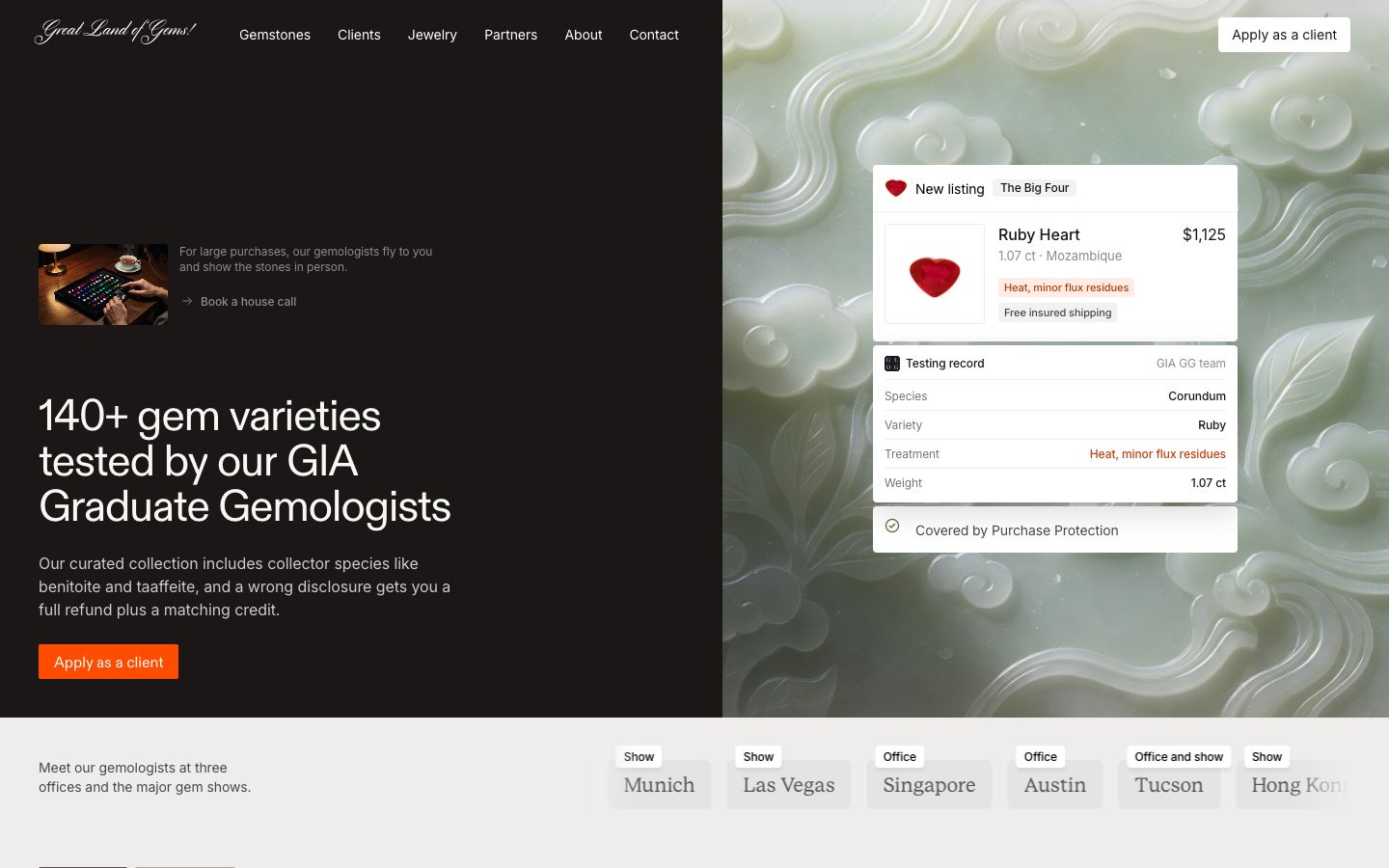
The standard order is hero, product, EEAT, pricing, FAQ, and a closing CTA. Keep type, spacing, and color consistent across every section, and use real product visuals instead of stock. Clerk shows its actual sign-in and pricing components, and Cursor puts an interactive demo right under the headline. AI drafts fail here too: generic layouts, interchangeable AI imagery, and inconsistent styling across sections. See the 10 landing page mistakes.
6. Build it
A DIY builder runs $10 to $39 a month per site, a freelancer $200 to $2,500, and an agency $2,000 to $15,000. Whichever you pick, the page has to be fully responsive across phone, tablet, and desktop. See what a landing page costs.
7. Launch and test
Add analytics before launch, then A/B test the headline and CTA once traffic supports statistical significance.
Skip steps 3 to 6
Landing Page Gods turns one brief into 3 agency-grade versions of your site, with positioning, conversion copy, and design included, in 20 to 30 minutes for a one-time $399.


Landing page FAQ
What should a landing page include?
A headline with your strongest USP, a clear CTA, real product visuals, EEAT signals like customer logos and testimonials, pricing or next steps, and an FAQ.
Can AI create a landing page?
AI builders produce a first draft, and the design and copy are still on you. Landing Page Gods delivers 3 finished, agency-grade versions. See 10 AI landing page builders compared.
How much does a landing page cost?
$200 to $2,500 from a freelancer, $2,000 to $15,000 from an agency, and a one-time $399 with Landing Page Gods. See what a landing page costs.
3 agency-grade versions of your landing page, with conversion copy and art, for a one-time $399.
Generate 3 versions